
GTA 6 Phone Wallpapers
Free GTA 6 wallpapers for iPhone and Android, shot by players in photo mode across Vice City and Leonida. Tap one to see it full screen, then download it at full resolution.

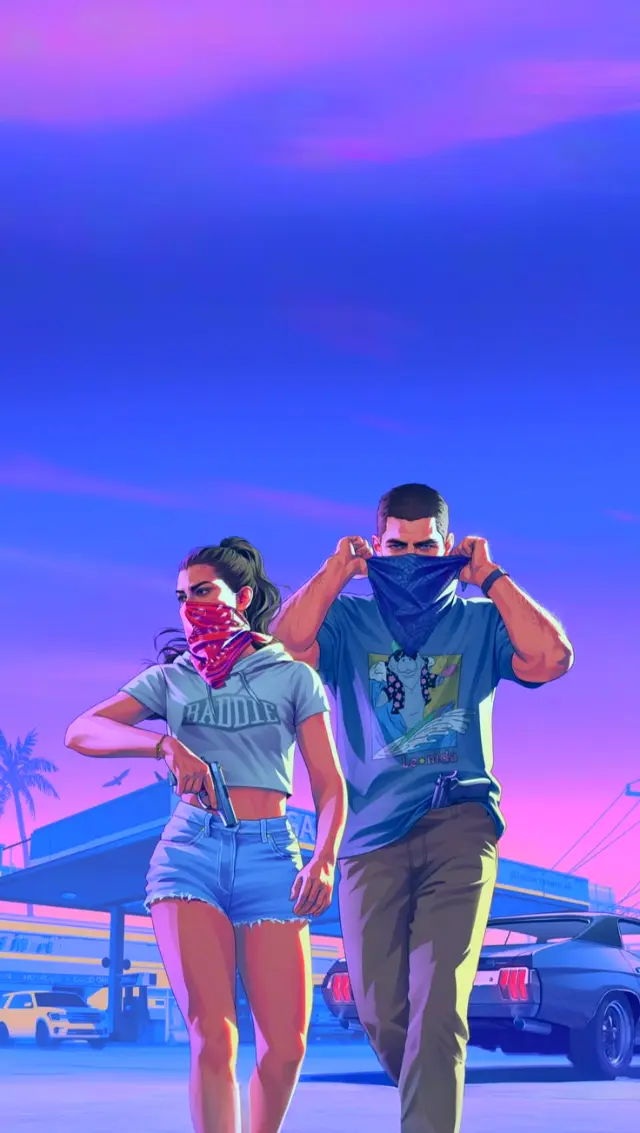
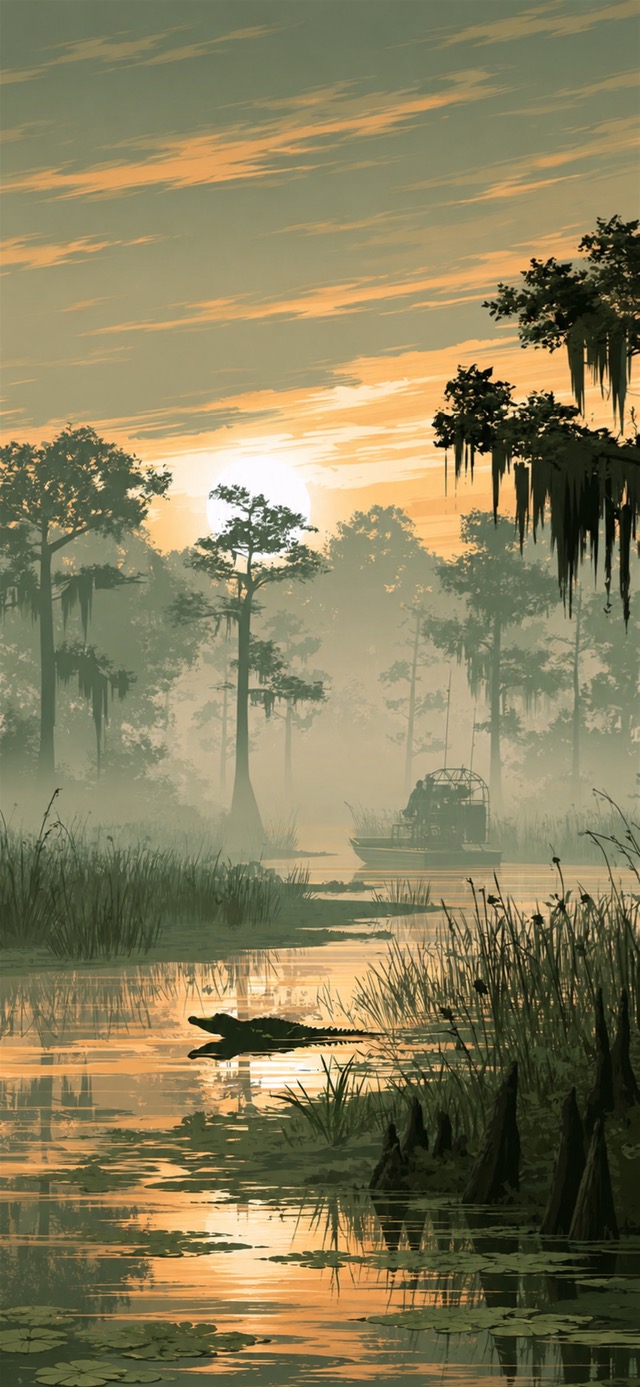


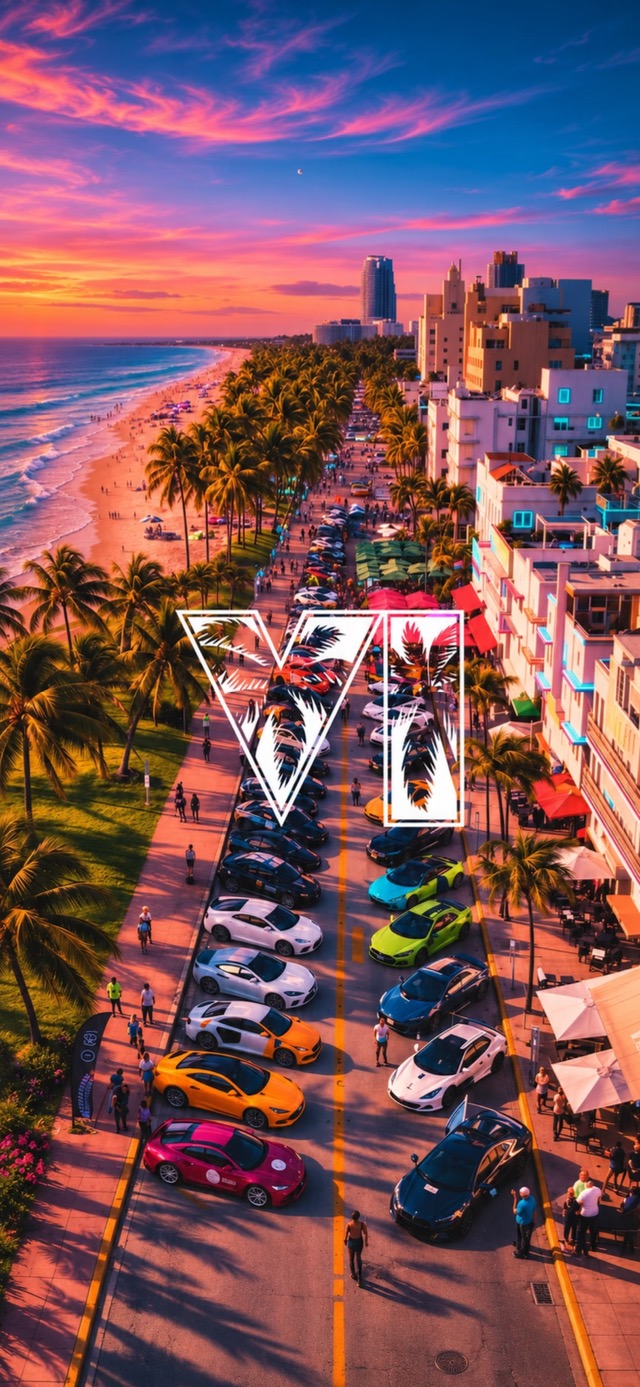

How to set a GTA 6 wallpaper on your phone
iPhone
- Open a wallpaper and tap Download.
- Open it in Photos (or Files), tap Share.
- Choose Use as Wallpaper, adjust and tap Add.
Android
- Open a wallpaper and tap Download.
- Open it in your Gallery or Google Photos.
- Tap ⋮ › Set as wallpaper and pick home or lock screen.
Share yours
- Take a tall shot in photo mode, or pick Phone when cropping in Create.
- Tall uploads are added to this page automatically.